Every result is measured
against the original photo.
A rendered image is never trusted on sight. Five levels of comparison run between the model and the screen, and each one can be seen. Below are the levels, and worked examples with real scores.
- 1–2
- Renders per image
- 0.94–1.00
- Similarity of a normal result
- < 0.80
- Triggers a re-render
- 100%
- Simulations recorded
Try it yourself
A comparison lab, in your browser
Drop an original and a result to run the same levels as the pipeline: alignment, framing, colour and a grey difference map. Or load a sample pair.
Runs entirely in your browser. Your photos are never uploaded.
Add both photos to see the comparison.
An educational tool that mirrors the pipeline's checks. It is not a clinical or forensic assessment.
How every result is checked
Five levels, from the first pixel to release
Pick a level to see what it compares, how it works, and a real example with measured scores.
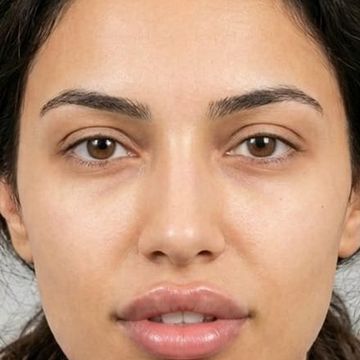
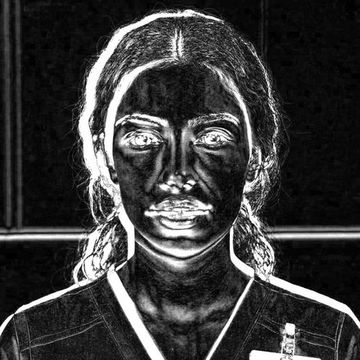
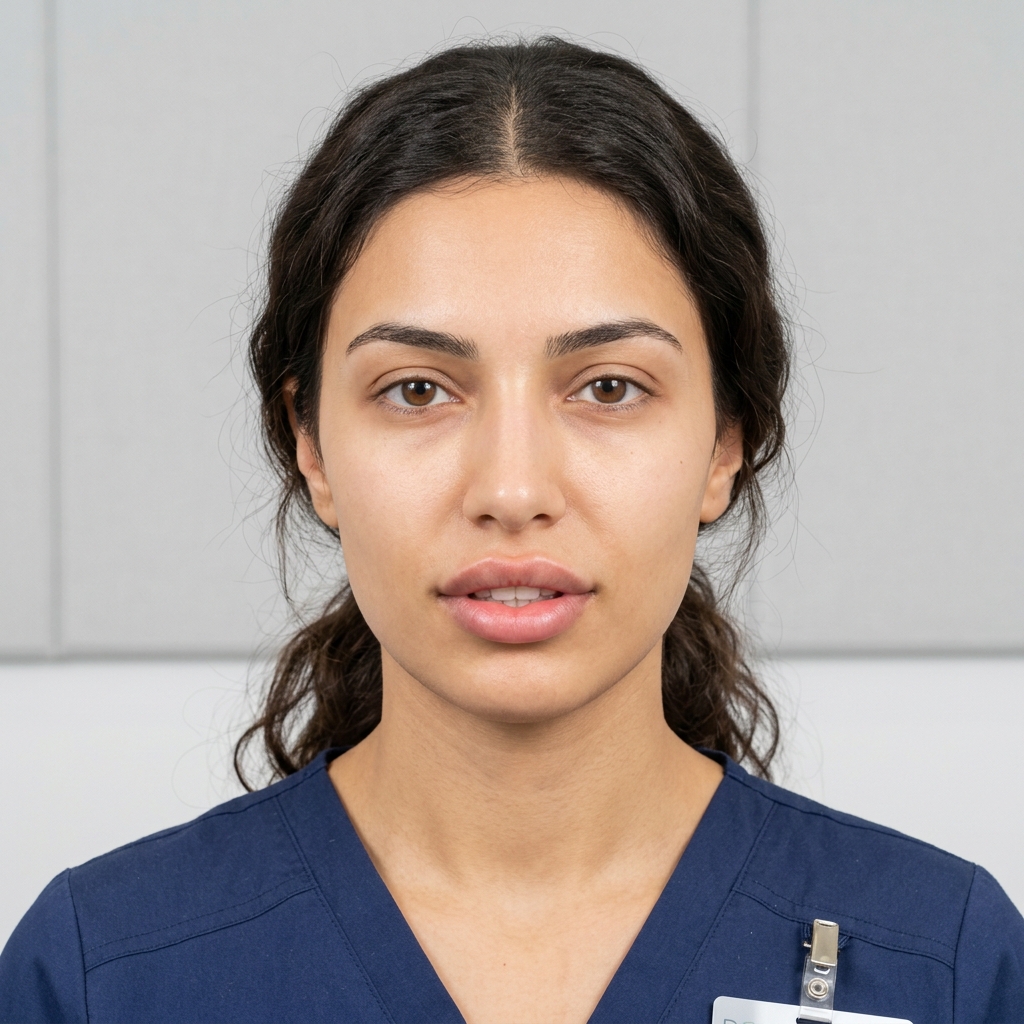
Level 1 · On the server, automatically
Line it up
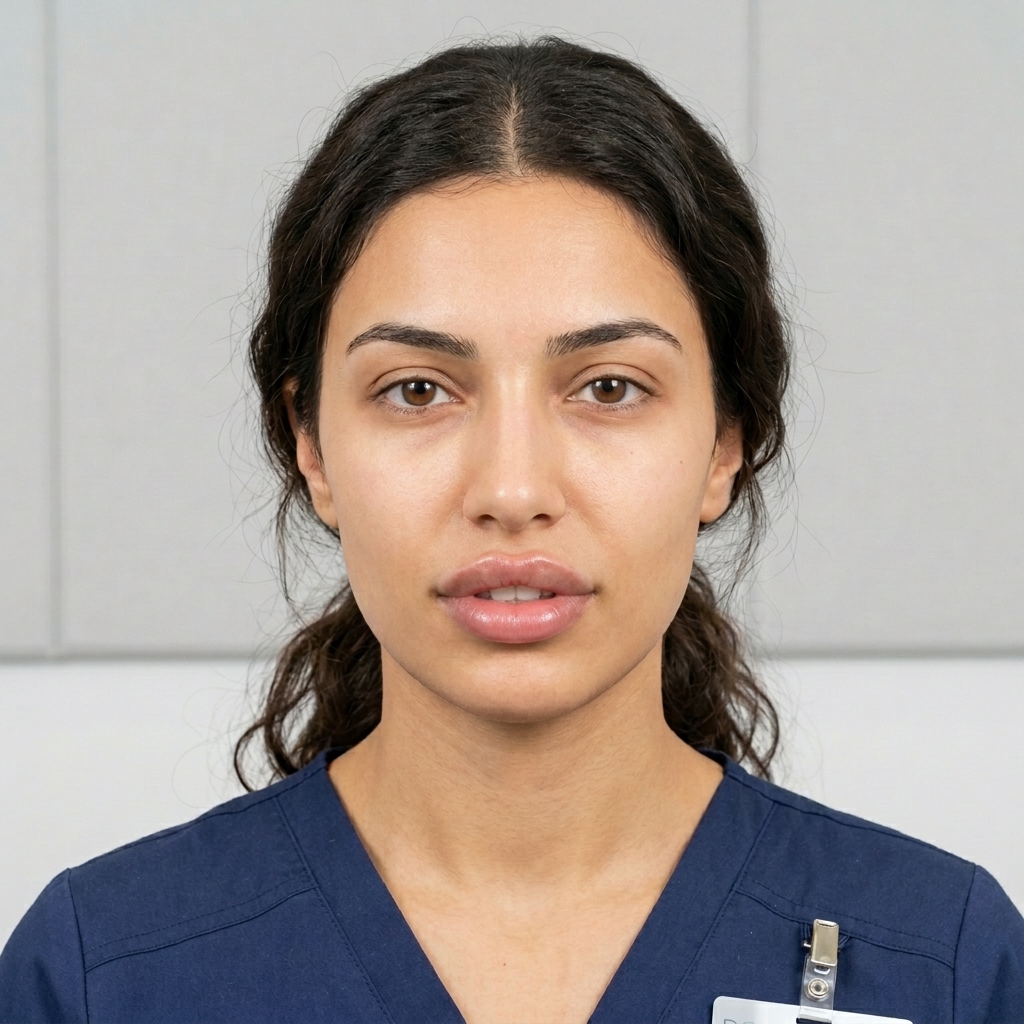
Shifted back so the face sits exactly where it was.
±8%search window
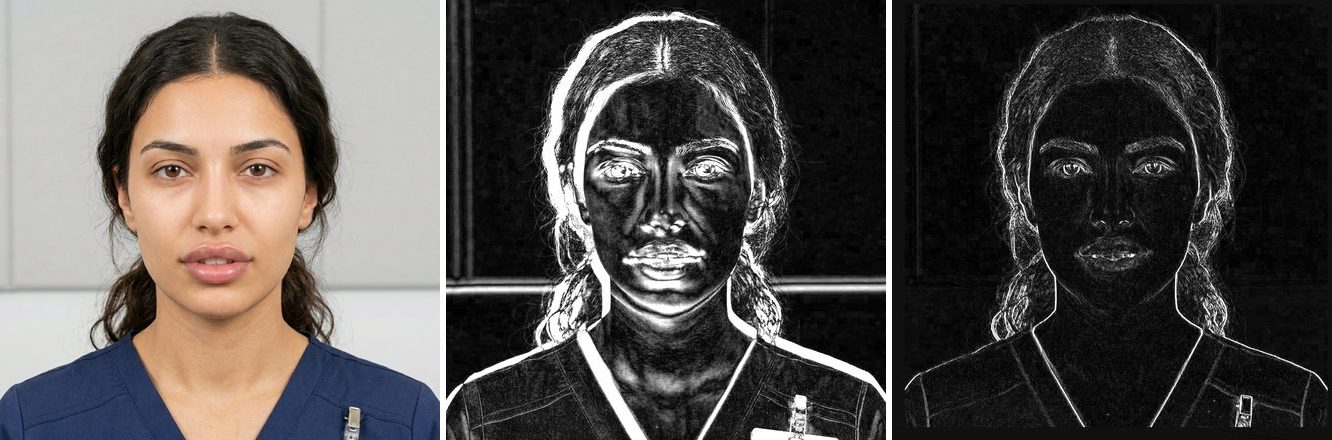
A drifting result is pulled back
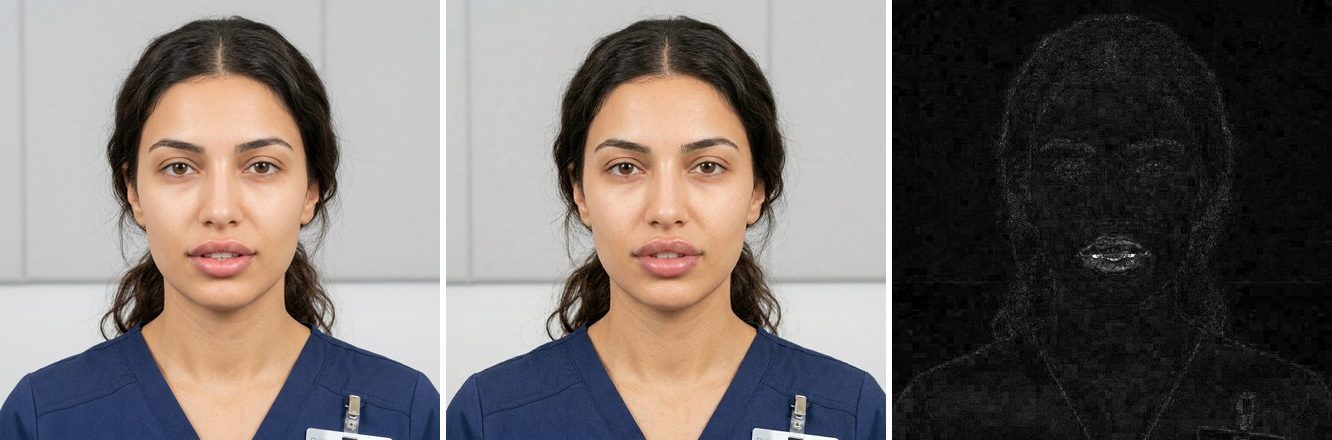
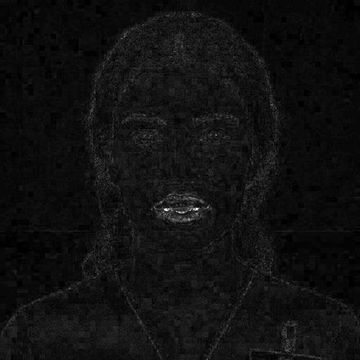
Here the result came back 4% larger and shifted. Compared with the original it lights up everywhere. The alignment step finds the scale and shift that match, and the picture settles.
Pixels changed
Thin lines remain on high-contrast edges such as the shirt stripes: re-sampling never lands exactly on the original pixels.
The result's position and scale against the original.
It tries small shifts and zooms, up to 8%, and keeps the one that matches the original best.
The result is shifted back into register.